SAP CPI JMS Adapter Explained with Real-Time Retry Mechanism (Complete Guide 2026)
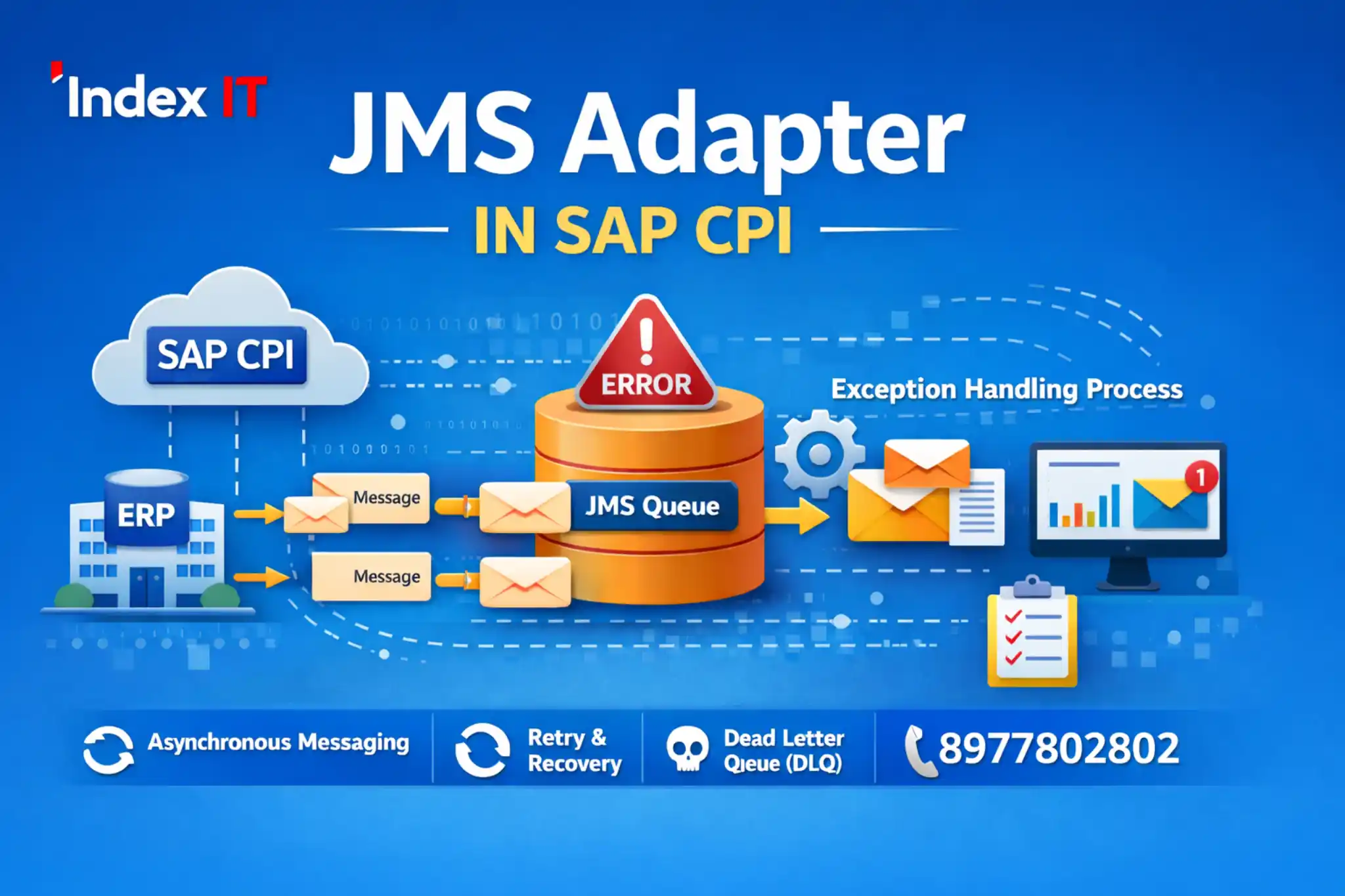
When working with SAP integrations, message failures are unavoidable. In real-time production environments, connectivity issues or data problems can cause message processing to fail.
This is where the JMS Adapter in SAP CPI becomes critical.
In this detailed guide, we will explain:
- What JMS Adapter is
- Why message failures happen
- How retry mechanism works
- Real-time iFlow design approach
- Exception handling using JMS
- Best practices for production systems
If you are learning SAP CPI or working on live integration projects, this guide will give you practical clarity.
To gain hands-on experience in JMS Adapter and retry mechanisms, enrolling in a real-time SAP CPI training program can help you build strong practical knowledge with live project scenarios.

What is JMS Adapter in SAP CPI?
In SAP Cloud Platform Integration (SAP CPI), JMS stands for Java Messaging Service.
It is used to:
- Store messages temporarily
- Implement automatic retry mechanisms
- Enable asynchronous processing
- Handle integration failures effectively
Instead of directly sending a message to the receiver system, you can first store it in a JMS queue. Another iFlow can later consume and process it safely.
This improves system reliability and stability.
Why Do Messages Fail in SAP CPI?
In real-time SAP integration projects, message failures are common. Understanding the reasons behind these failures helps in designing a stable and reliable integration architecture.
Messages typically fail due to the following reasons:
- Receiver Connectivity Issues – The target system (SMTP, SFTP, API, etc.) is unavailable or misconfigured.
- Data Issues – Invalid payload structure, missing mandatory fields, or unexpected values.
- Incorrect Sender Configuration – The sender channel is not properly configured.
- Improper iFlow Design – Mapping errors, routing issues, or script failures.
In production environments, the most common causes are connectivity issues and data problems. This is where the JMS Adapter plays an important role by enabling automatic retry and safe message storage.
How JMS Retry Mechanism Works in SAP CPI
The JMS Adapter in SAP CPI is widely used to implement a reliable retry mechanism in integration scenarios.
Instead of directly sending messages to the receiver system, the message is first stored in a JMS Queue. A separate iFlow then reads the message from the queue and processes it.
Here is how the retry mechanism works:
- The first iFlow pushes the message into a JMS queue.
- The second iFlow consumes the message from the queue.
- If the receiver system is unavailable, the message processing fails.
- Based on the configured retry interval, SAP CPI automatically attempts reprocessing.
- Once the issue is resolved, the message is processed successfully.
This design ensures that messages are not lost due to temporary system failures. It provides better stability, fault tolerance, and production-level reliability.
By configuring parameters such as retry interval, maximum retry count, and retention period, developers can fully control the behavior of the retry mechanism.
Recommended Two iFlow Architecture Using JMS
In real-time SAP CPI projects, the most recommended design pattern for implementing JMS is the two iFlow architecture.
This approach separates message storage and message processing, improving scalability and system reliability.
iFlow 1: Sender → JMS Receiver
iFlow 2: JMS Sender → Target System (Email, API, SFTP, etc.)
Here’s how it works:
- The first iFlow receives the incoming message (via HTTPS, Timer, or other adapters).
- It stores the message safely in a JMS queue.
- The second iFlow reads messages from the queue.
- If the target system is available, processing completes successfully.
- If not, the retry mechanism automatically handles reprocessing.
By separating responsibilities into two iFlows, you reduce tight coupling between systems and create a more stable integration landscape.
This architecture is commonly used in enterprise-level SAP Integration projects to ensure high availability and controlled error handling.
Important JMS Configuration Parameters in SAP CPI
Proper configuration of the JMS Adapter in SAP CPI is essential to ensure reliable message processing and controlled retry behavior in production systems.
Below are the key configuration parameters you should understand:
- Queue Name – Defines the JMS queue where messages are stored. It must be unique within the tenant.
- Retry Interval – Specifies how frequently SAP CPI retries processing a failed message.
- Maximum Retry Attempts – Determines how many times the system should attempt reprocessing before stopping.
- Retention Period – Defines how long the message remains in the queue if it is not consumed.
- Expiration Period – After this duration, the message is automatically removed from the queue.
- Concurrent Processes – Controls how many parallel processes can consume messages from the queue.
- Transfer Exchange Properties – Allows headers and properties to be stored along with the message body.
Correctly configuring these parameters helps in building scalable, fault-tolerant, and production-ready SAP CPI integrations.
Data Store vs JMS in SAP CPI – What’s the Difference?
Both Data Store and JMS Adapter in SAP CPI are used to store messages within the tenant. However, their purpose and usage scenarios are different.
Understanding this difference helps you design the right integration architecture.
- Automatic Retry: JMS provides built-in retry functionality. Data Store requires manual retry logic.
- Asynchronous Processing: JMS is designed for asynchronous communication. Data Store is mainly for temporary storage and later retrieval.
- Production Use Case: JMS is widely used for retry and buffering in enterprise projects. Data Store is commonly used for internal message persistence.
- Queue Monitoring: JMS provides structured queue-based monitoring with retry count and status tracking.
If your requirement involves retry handling and reliable asynchronous processing, JMS Adapter is generally the recommended approach.
If your requirement is simple message storage for later processing by another iFlow, Data Store can be used effectively.
Exception Handling Using JMS in SAP CPI
In real-time SAP CPI projects, exception handling is a critical part of integration design. Instead of losing failed messages, organizations implement structured recovery mechanisms using the JMS Adapter.
When an error occurs in the main iFlow, the system can automatically move the failed message to an Exception Subprocess.
From there, the message can be:
- Stored in a dedicated JMS Queue for later reprocessing
- Sent to a monitoring system
- Forwarded to an email notification service
- Logged for audit and compliance purposes
Using JMS for exception handling ensures that failed messages are safely preserved instead of being permanently lost.
In enterprise environments, a separate “Failed Message iFlow” is often designed to consume messages from the failure queue and reprocess them after resolving the root cause.
This approach significantly improves reliability, traceability, and system resilience in SAP CPI landscapes.
Best Practices for Using JMS in SAP CPI Production Systems
Implementing JMS Adapter correctly in production environments is essential for building stable and scalable SAP CPI integrations.
Below are some recommended best practices followed in enterprise projects:
- Use Separate Producer and Consumer iFlows – This improves scalability and reduces tight system coupling.
- Configure Reasonable Retry Intervals – Avoid very short retry intervals that may overload the receiver system.
- Define Maximum Retry Limits – Prevent infinite retry loops by setting controlled retry attempts.
- Use Dead Letter Queues (DLQ) – Move permanently failed messages to a dedicated queue for manual investigation.
- Monitor Queues Regularly – Check retry counts, retention periods, and message status through monitoring tools.
- Avoid Storing Extremely Large Payloads – Large messages can impact performance and storage limits.
- Document Error Handling Strategy – Maintain clear documentation of retry logic and exception flow design.
Following these best practices ensures better fault tolerance, controlled recovery, and long-term maintainability of SAP CPI solutions.
Take the Next Step in Your SAP CPI Career
If you want to gain hands-on experience in SAP CPI, including JMS Adapter, retry mechanisms, exception handling, Groovy scripting, and real-time iFlow design, structured practical training makes a big difference.
Explore our detailed SAP CPI Online Training in Hyderabad to understand course curriculum, real-time project coverage, and batch details.
For personalized guidance, you can also reach out directly.
📍 Ameerpet, Hyderabad
📞 8977802802
Build strong integration skills with real-time scenarios and move confidently toward SAP Integration career opportunities.