SAP CPI Graphical Mapping: Complete Guide with Real-Time Examples
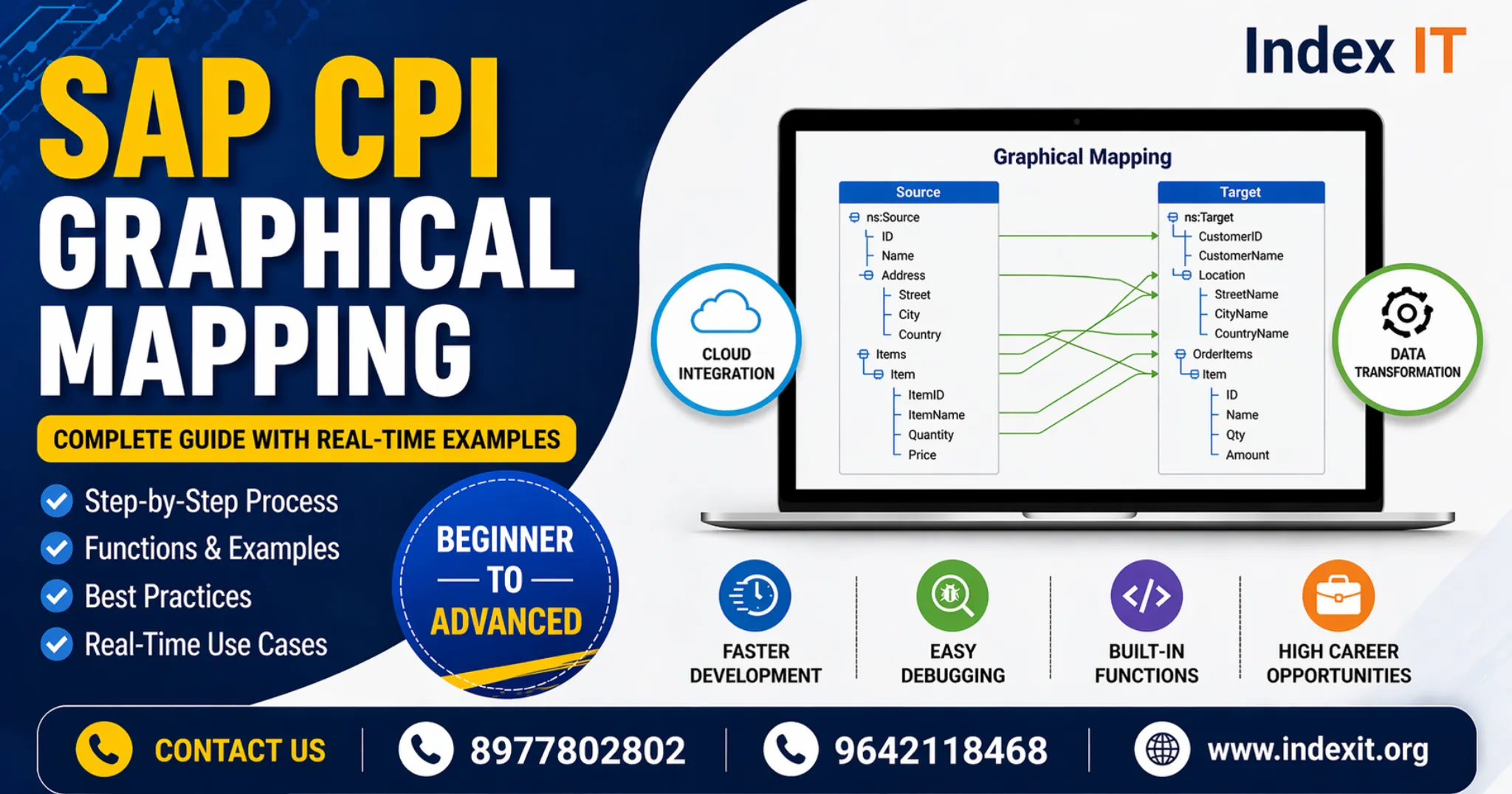
If you are planning to build a career in SAP Integration, learning SAP CPI graphical mapping is one of the most important skills. In real-time projects, data transformation is a core requirement, and graphical mapping helps achieve it efficiently.
This guide is designed in a simple and practical way based on real-time training experience at Index IT.
What is SAP CPI Graphical Mapping?
Graphical mapping (also called message mapping) is an inbuilt tool in SAP CPI used to transform data from a source structure into a target structure.
- Source → Input XML structure
- Target → Output XML structure
- Mapping → Transformation logic
Unlike coding methods like Groovy or XSLT, graphical mapping provides a visual interface, making it easier for beginners.
Why Graphical Mapping is Important in Real-Time Projects
In almost every integration scenario, data needs to be transformed between systems. Graphical mapping plays a key role because:
- It reduces development time
- It simplifies debugging
- It supports multiple built-in functions
- It is widely used in enterprise projects
If you want hands-on learning, explore our SAP CPI Online Training Institute In Hyderabad Ameerpet.
Key Components Required for Graphical Mapping
Mapping Sheet
Defines which source field maps to which target field and what logic is applied.
Input XSD
Represents the source structure.
Output XSD
Represents the target structure.
Sample Input & Output XML
Used for testing and validation.
Types of Functions in SAP CPI Mapping
- Text Functions
- Boolean Functions
- Arithmetic Functions
- Date Functions
- Node Functions
- Conversion Functions
For advanced scenarios, user-defined functions (UDFs) can be created using Groovy scripting.
Step-by-Step Process to Create Graphical Mapping
Step 1: Create Message Mapping
Add mapping artifact in integration flow.
Step 2: Upload XSD Files
Add source and target structures.
Step 3: Map Fields
Connect fields and apply required functions.
Step 4: Validate Mapping
Ensure all mandatory fields are mapped.
Step 5: Test and Deploy
Use sample XML and enable trace to verify output.
Understanding Field Occurrences
- 1..1 → Mandatory
- 0..1 → Optional
- 1..n → At least one
- 0..n → Multiple optional
Mandatory fields must always be mapped to avoid errors.
How SAP ABAP Knowledge Helps
If you already know ABAP, understanding CPI becomes easier because of familiarity with SAP structures.
Learn more here: SAP ABAP Online Training.
Career Opportunities After Learning SAP CPI
- SAP CPI Consultant
- Integration Developer
- Middleware Consultant
Final Thoughts
SAP CPI graphical mapping is a must-have skill for anyone entering SAP integration. With consistent practice and real-time exposure, you can become job-ready quickly.
FAQs
What is SAP CPI graphical mapping?
It is a tool used to transform data between source and target structures visually.
Is SAP CPI good for career?
Yes, it has strong demand in cloud integration roles.
How long does it take to learn SAP CPI?
6 to 8 weeks with proper training and practice.