SAP VIM Process Types and Exception Handling: A Practical Guide
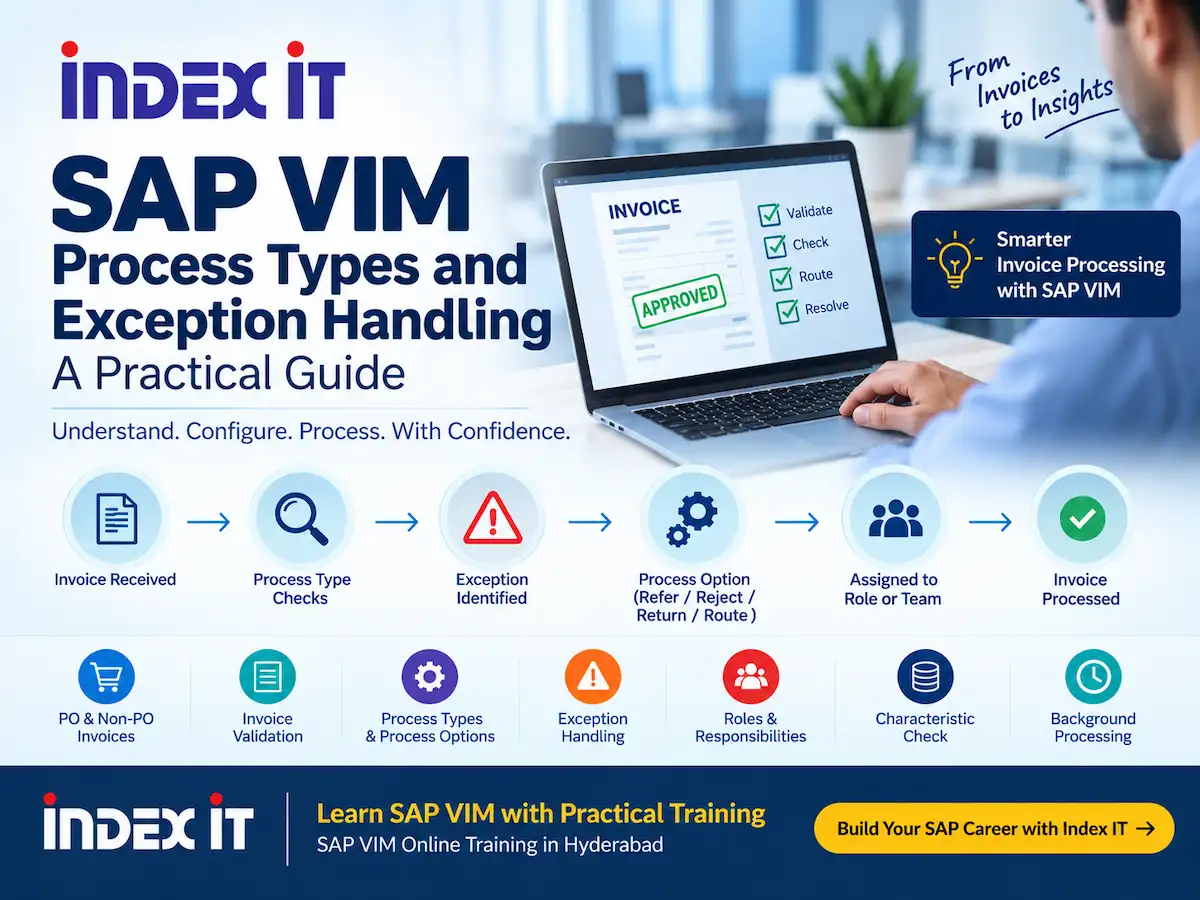
SAP VIM (Vendor Invoice Management) uses configuration rules to control invoice validation, processing, routing, and exception handling. In practical projects, consultants need to understand how these rules work together before they configure complete document-processing scenarios.
A recent SAP VIM practical training session covered several important concepts, including DP Document Type, PO and Non-PO invoices, invoice fields, Process Types, Exception Rules, Process Options, roles, Characteristic Check, and background processing.
In this guide, we explain these concepts step by step and show how they connect during invoice processing.
What Is DP Document Type in SAP VIM?
DP stands for Document Processing. In SAP VIM, the DP Document Type provides a basic structure for handling different invoice-processing scenarios.
For example, the configuration can distinguish between PO invoices and Non-PO invoices. Each scenario can require different validation and processing logic.
Therefore, consultants should understand the Process Type and Process Option concepts before they work through the complete DP Document Type configuration.
PO Invoice vs. Non-PO Invoice
First, let's understand the difference between PO and Non-PO invoices.
PO Invoice
A PO invoice contains a purchase order reference. During processing, the system and the AP team may need to work with information such as:
- Vendor
- Company Code
- PO Number
- Invoice Number
- Invoice Date
- Line Items
- Quantity
- Price
- Currency
- Tax Information
- Bank Details
For example, the supplier normally provides the PO number on the invoice. The processing team can then use that information when handling the invoice.
Non-PO Invoice
A Non-PO invoice does not contain a purchase order reference. As a result, the processing flow can require different checks and business actions.
The practical session recommends practicing both PO and Non-PO scenarios. It also highlights Non-PO processing as an important area for hands-on practice.
Important Invoice Information in SAP VIM
Before you configure validation rules, you need to understand the information that an invoice should contain.
The practical session discussed several important fields, including the following:
- Vendor: Identifies the supplier.
- Company Code: Identifies the relevant company-code context.
- PO Number: Connects a PO invoice with its purchase order.
- Invoice Number: Identifies the supplier invoice.
- Invoice Date: Provides the invoice date.
- Line Items: Include details such as description, quantity, and price.
- Currency: Defines the invoice currency.
- Tax Information: Provides relevant tax details.
- Bank Details: Provides supplier banking information when required.
These fields become important when VIM checks invoice information and identifies exceptions.
What Happens When Invoice Information Is Missing?
Next, consider an invoice with missing or incorrect information.
The practical discussion covers several examples, including an invalid vendor, an unavailable company-code relationship, a missing invoice number, a missing invoice date, missing currency, missing PO information, missing line items, missing tax information, and missing bank details.
In each situation, the AP team needs to determine the appropriate business action.
For example, if the vendor does not exist in the required master data, the team can refer the invoice to the Master Data Team. Depending on the business requirement, the team may also return or reject the invoice to the supplier.
Similarly, a missing invoice number may require the AP team to contact the supplier or the buyer.
What Is a Process Type in SAP VIM?
Process Type is one of the key concepts in SAP VIM configuration.
In simple terms, a Process Type performs a validation or checking function. It checks invoice information according to the logic configured for that particular process.
For example, the practical session demonstrates exception scenarios such as:
- Invalid Vendor
- Invalid Currency
- Invalid Request
- Suspected Duplicate
- Missing Mandatory Information
When the system identifies a configured exception, the AP processor can focus on that specific issue and take the appropriate action.
How Does a Process Type Validate Invoice Data?
The practical demonstration shows how a Process Type can check invoice information.
For example, the trainer enters a vendor number and then checks the company-code relationship. When the vendor does not match the company code, the system highlights the issue.
Therefore, the Process Type checks whether the required data exists and whether the configured logic considers that data valid.
This approach allows the system to identify problems before the AP processor completes the invoice-processing step.
Process Type vs. Process Option
Now let's look at the difference between Process Type and Process Option.
| Concept | Purpose |
|---|---|
| Process Type | Checks and validates invoice information. |
| Process Option | Provides an action or routing option for the invoice. |
In other words, the Process Type identifies the condition, while the Process Option helps determine the next action.
For example, a Process Type can identify an invalid vendor. The Process Option can then provide an action such as referring the invoice to the Master Data Team.
This distinction is important because consultants need to configure both the validation logic and the resulting business action.
SAP VIM Exception Handling
Exception handling plays an important role in SAP VIM invoice processing.
Suppose the system identifies an invalid vendor. The AP processor can then use the appropriate Process Option to route the invoice to the relevant team.
For instance, the team may refer the invoice to the Master Data Team. In another scenario, the team may return the invoice to the vendor when required information is missing.
As a result, the invoice does not simply continue through the process with incomplete information. Instead, the configured exception logic directs the AP processor toward the required action.
Process Options in SAP VIM
Process Options provide the actions that users can take during invoice processing.
The practical session demonstrates options such as:
- Refer
- Reject
- Return to Vendor
- Route
For example, when an invoice contains information that the supplier needs to correct, the AP processor can use the Return to Vendor option.
Similarly, the team can route an invoice to another responsible person when the business process requires additional action.
How to Create a Process Type in SAP VIM
Next, let's look at the configuration approach discussed during the demo.
The trainer demonstrates the following configuration path:
SPRO → Document Processing Configuration → Process Configuration → Maintain Process Types
From this area, consultants can review existing Process Types and create or copy configurations according to the project requirement.
In practice, the trainer demonstrates copying an existing Process Type and adapting it for a new requirement. This approach can provide a starting point when an existing configuration already contains similar settings.
SAP VIM Process Type Number Ranges
The practical session also discusses Process Type number ranges used to organize different scenarios.
| Range | Scenario Discussed |
|---|---|
| 100–200 | PO Process Types |
| 200–300 | Non-PO Process Types |
| 300–400 | Down Payment Process Types |
| 800 / 900 series | Custom Process Types |
However, consultants should treat these ranges as the conventions discussed in the training session. The actual numbering approach can depend on the SAP VIM project and its configuration standards.
Creating a Custom Process Type
The trainer demonstrates creating a sample custom Process Type for a scenario such as a price discrepancy.
First, the consultant selects the relevant Process Type configuration. Next, the consultant can define the required processing characteristics and identify the responsible role.
For example, the AP Processor can act as the initial role. If the business requirement requires buyer involvement, the invoice can move toward the buyer through the configured processing logic.
Therefore, the Process Type configuration connects the validation requirement with the appropriate processing responsibility.
Roles in SAP VIM Invoice Processing
Roles determine who can work on a particular invoice activity.
The practical example discusses the AP Processor as an initial role. The trainer also explains that the configuration can use a role or a function model depending on the project logic.
In most of the demonstrated scenarios, the role provides the processing responsibility.
For example, when a price discrepancy requires additional review, the configured process can involve the AP Processor or Buyer according to the business requirement.
Characteristic Check in SAP VIM
Another configuration option discussed during the session is the Characteristic Check.
This option becomes relevant when a field can contain different types of characters.
For example, a reference number may contain:
- Alphabets
- Numbers
- Special characters
In such a scenario, the consultant can consider the Characteristic Check when configuring the relevant Process Type.
However, the trainer explains that the consultant should select this option based on the field being checked. A price field, for example, does not require the same type of character validation as a reference number.
Automatic and Background Processing in SAP VIM
SAP VIM can also use background processing for specific scenarios.
The practical session discusses a situation where the AP processor should not manually check a business condition every time. Instead, the system can perform a periodic check according to the configured process logic.
For example, the team may need to wait for a goods receipt. In that case, the system can check periodically whether the goods receipt has occurred.
The demonstration discusses background processing intervals and a maximum time of 120 hours for the configuration being shown.
Therefore, background processing can reduce the need for repeated manual checks in scenarios that require the system to wait for another business activity.
Wait and Return Settings
The demo also discusses wait and return settings.
These settings require a suitable configuration and business logic. The trainer explains that the demonstration focuses on showing the process step and concept rather than covering every detailed configuration rule.
As a result, consultants should understand the purpose of the Process Type first and then connect the wait or background-processing logic to the appropriate business scenario.
SAP VIM Process Type and Process Option Flow
The complete concept becomes easier to understand when we connect the different components.
Invoice Received
↓
Invoice Information Captured
↓
Process Type Checks the Data
↓
Exception Identified?
↓
Process Option
↓
Refer / Reject / Return / Route
↓
Responsible Role or Team
For example, the system can identify an invalid vendor through a Process Type. Next, the AP processor can use the relevant Process Option to refer the invoice to the Master Data Team.
Similarly, the system can identify missing information and stop the invoice until the AP processor or another responsible person completes the required action.
How Process Types Support DP Document Types
The training session explains why the instructor discusses Process Types before moving into the complete DP Document Type configuration.
DP Document Type provides the basic structure for the VIM document-processing scenario. Process Types, on the other hand, define validation and processing logic within that structure.
Therefore, understanding Process Types first can make the larger DP Document Type configuration easier to follow.
The session also highlights PO, Non-PO, and Down Payment scenarios as important document-processing areas.
Key Takeaways
Here are the main points from the practical SAP VIM discussion:
- DP Document Type provides a basic structure for document processing.
- PO and Non-PO invoices can require different processing scenarios.
- Invoice information such as vendor, company code, PO number, invoice number, date, line items, currency, tax, and bank details can affect processing.
- Process Types check and validate invoice information.
- Exception Rules identify conditions that require attention.
- Process Options provide actions such as refer, reject, return, or route.
- Roles determine who handles invoice activities.
- Characteristic Check can support validation for fields containing different character types.
- Background processing can periodically check specific business conditions.
- Consultants can organize Process Types according to project conventions and requirements.
Learn SAP VIM with Practical Training
If you want to learn SAP VIM, practical exposure can help you understand how invoice-processing concepts work together.
You can learn concepts such as Process Types, Process Options, DP Document Types, PO and Non-PO invoice processing, exception handling, roles, and practical configuration through project-oriented training.
Index IT provides SAP VIM Online Training in Hyderabad with practical and project-oriented learning.
SAP VIM Online Training in Hyderabad
Explore the SAP VIM training program to learn more about invoice processing, configuration concepts, and practical VIM scenarios.
Conclusion
SAP VIM Process Types and Process Options play an important role in invoice processing. Process Types help the system check invoice information and identify configured conditions. Process Options then provide the actions or routing choices required by the business process.
In addition, roles, exception handling, Characteristic Checks, and background processing can work together to support the overall invoice-processing flow.
By understanding these concepts step by step, SAP VIM learners can build a stronger foundation for working with practical invoice-processing scenarios and DP Document Type configuration.
Ready to learn SAP VIM with practical training?