SAP GRC BRM Configuration Step-by-Step Guide (Real-Time Training)
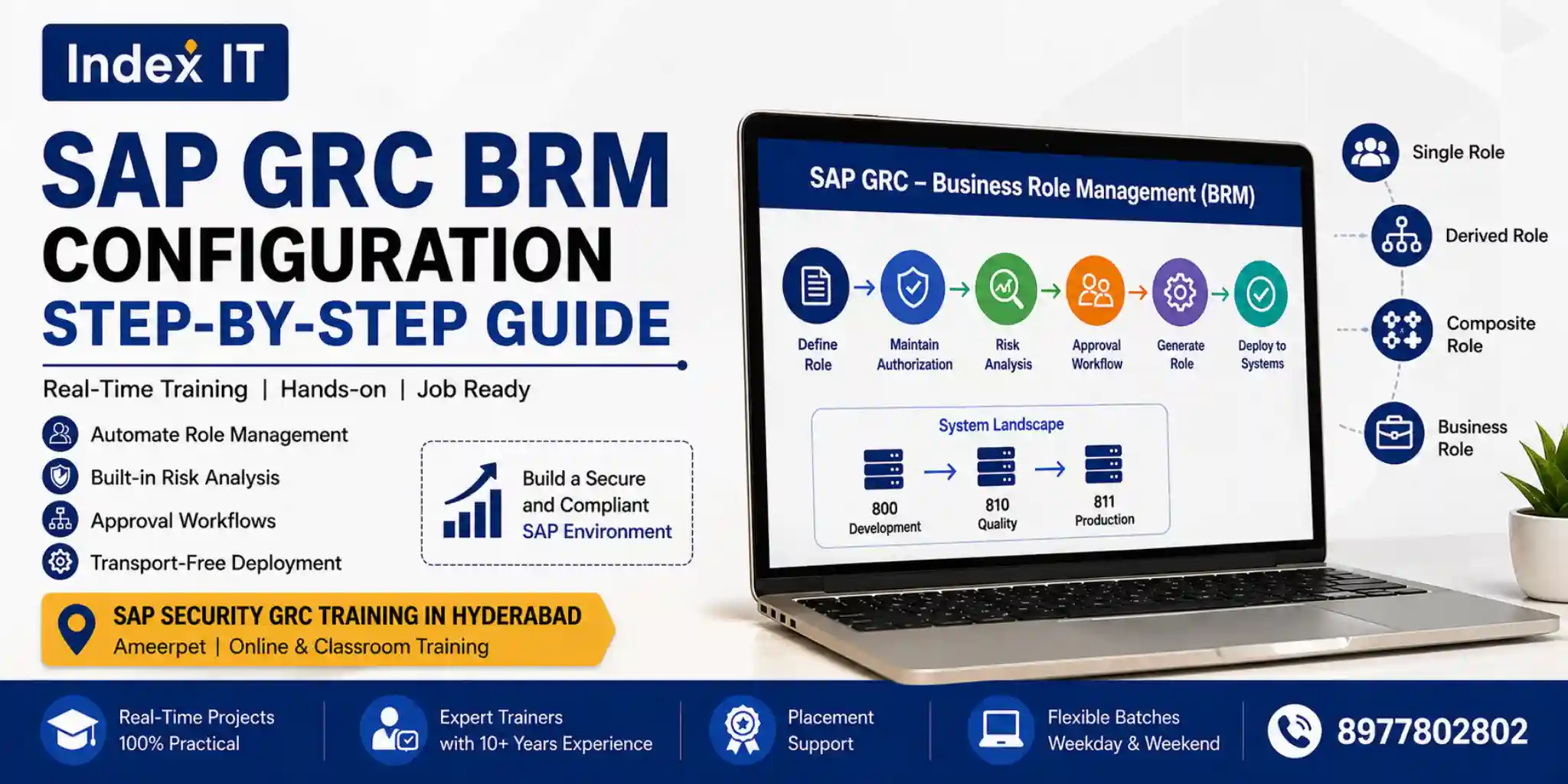
If you're planning to build a career in SAP Security, understanding SAP GRC BRM (Business Role Management) is essential. This guide explains the complete BRM configuration process in a simple, real-time training approach.
Moreover, if you're searching for SAP Security GRC Training in Hyderabad, learning BRM with hands-on practice can significantly boost your career.
What is SAP GRC BRM?
SAP GRC BRM is used to automate role lifecycle management. Instead of manually creating roles in PFCG, BRM allows you to:
- Automate role creation
- Perform risk analysis
- Trigger approval workflows
- Deploy roles without transport
Therefore, BRM ensures a secure and audit-ready process.
Why Learn SAP GRC in Hyderabad?
Hyderabad, especially Ameerpet, is a major hub for SAP training. Choosing practical training with real-time scenarios is crucial.
👉 Explore our SAP Security GRC Training in Hyderabad to gain hands-on experience and placement support.
Step 1: BRM Configuration in SPRO
First, configure BRM settings in SPRO:
SPRO → Access Control → Maintain Configuration Settings
Here, enable all 3000 series parameters related to BRM.
Important Settings:
- Default Role Status → Production
- Risk Analysis → Mandatory
- Role Generation → Allowed
- Role Deletion → Enabled
Step 2: Activate BC Sets
Next, activate BC sets using transaction code:
SCPR20
Search with:
GRAC*
This step loads SAP standard configurations and enables BRM functionality.
Step 3: Configure Role Types
In real-time projects, focus on these role types:
- Single Role
- Derived Role
- Composite Role
- Business Role
Deactivate unnecessary role types for better system performance.
Step 4: Role Creation Workflow
The complete BRM lifecycle includes:
- Define Role
- Maintain Authorization
- Risk Analysis
- Derived Role Creation
- Approval Workflow
- Role Generation
- Testing & UAT
- Production Deployment
As a result, the entire process becomes automated and efficient.
Step 5: System Landscape
| System | Purpose |
|---|---|
| 800 | Development |
| 810 | Quality |
| 811 | Production |
Unlike traditional methods, BRM eliminates manual transport.
Step 6: Risk Analysis
Risk analysis ensures compliance before role generation.
- Permission Risk
- Action Risk
- Critical Risk
Hence, organizations maintain strong security standards.
Step 7: Derived Role Concept
Derived roles are created from a master role.
- Master Role → Authorizations
- Derived Role → Organizational values only
For example: Company Code, Plant, Sales Organization.
Step 8: Composite Role
A composite role combines multiple single roles.
Therefore, it simplifies user access management and improves efficiency.
Career Opportunities in SAP GRC
After learning SAP GRC, you can apply for roles such as:
- SAP Security Consultant
- SAP GRC Consultant
- IAM Analyst
SAP GRC Salary in India
- Freshers: ₹4–6 LPA
- Experienced: ₹10–20 LPA
With real-time knowledge, salary growth is rapid.
Final Thoughts
In conclusion, SAP GRC BRM automates role management, improves security, and simplifies compliance.
If you want to become job-ready, focus on hands-on practice and real-time scenarios.
👉 Start your journey with best SAP Security GRC Training in Hyderabad and build a strong career in SAP.