SAP BTP ABAP: How to Create Action Buttons with Feature Control (Step-by-Step Guide)
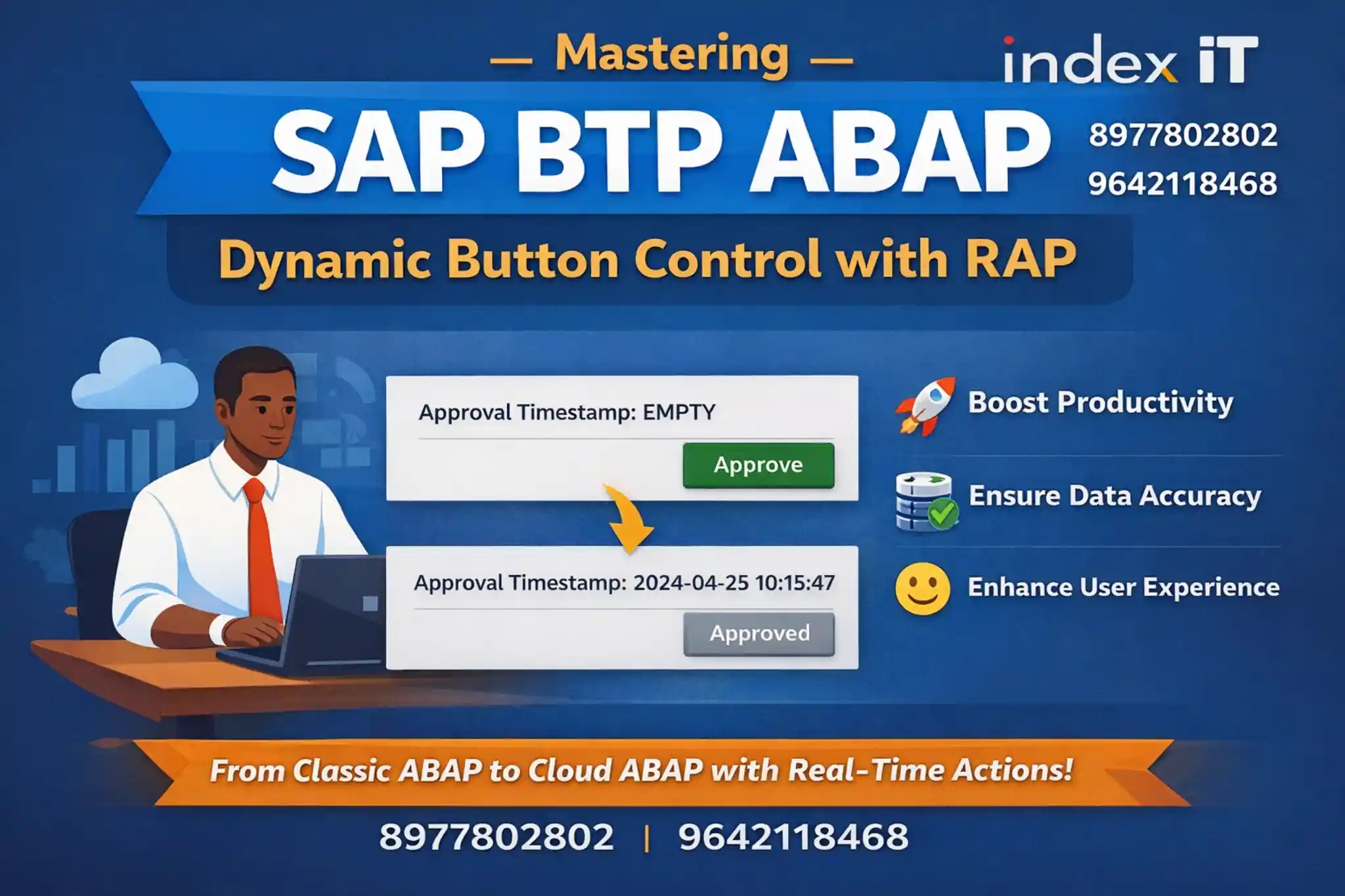
In modern enterprise applications, user experience plays a critical role. With SAP BTP ABAP, developers can build intelligent UI behaviors like dynamic buttons, feature control, and real-time updates.
🚀 In this blog, we’ll walk through a real-time SAP training scenario and explain how to implement advanced RAP concepts step by step.
📌 What You Will Learn
- ✔ How to create an action button in SAP Fiori UI
- ✔ How to dynamically enable or disable buttons
- ✔ How to implement business logic using RAP (RESTful ABAP Programming Model)
- ✔ How to update data using EML (Entity Manipulation Language)
🔥 Want to master SAP BTP ABAP with real-time projects?
Explore SAP Training🚀 What You Will Learn
By the end of this guide, you’ll understand:
- ✔ Metadata-driven UI development in SAP Fiori applications
- ✔ Behavior Definition & Implementation in RAP (RESTful ABAP Programming Model)
-
✔
Feature Control using
get_instance_featuremethod - ✔ Using READ ENTITY and MODIFY ENTITY for data operations
- ✔ Writing optimized ABAP 7.4+ syntax using modern expressions
💡 These concepts are essential for building modern cloud-based applications using SAP BTP ABAP and RAP.
📌 Step 1: Adding Action Button Using Metadata
In SAP RAP (RESTful ABAP Programming Model), UI elements like buttons are defined using annotations. This approach enables metadata-driven UI development without writing UI-specific code.
💡 Buttons are configured at the metadata level and automatically rendered in SAP Fiori UI.
🔹 Where to Define the Button
-
✔
UI.LineItem– Displays button in list report view -
✔
UI.Identification– Displays button in object page
🔑 Key Elements Required
- ✔ Action Name – Backend method identifier
- ✔ Label – Button text visible to users
- ✔ Method – Logic triggered on click
👉 Example Concept
- Add a button called "Update Action"
- Assign a backend method that executes when clicked
⚡ Important: You cannot define duplicate annotations separately. All entries must be added within the same array structure to avoid errors.
⚙️ Step 2: Define Action in Behavior Definition
After configuring the UI metadata, the next step in SAP RAP is to define the action in the Behavior Definition. This connects your UI button with backend logic.
💡 Behavior Definition acts as the bridge between the UI layer and backend processing in RAP.
🔍 What Happens Here?
- ✔ You declare an action that will be triggered from the UI button
- ✔ The RAP framework automatically generates required backend methods
⚡ Methods Generated by Framework
- Action Method – Executes business logic
- Feature Control Method – Controls UI behavior (enable/disable)
👉 Two Key Methods Created
-
✔
update_action→ Handles business logic when button is clicked -
✔
get_instance_feature→ Controls enable/disable logic of the button
⚠️ Always separate UI behavior logic and business logic for better maintainability and performance.
🧠 Step 3: Understanding Feature Control (Core Concept)
This is where SAP RAP Feature Control becomes powerful. It allows you to dynamically control UI behavior based on backend data conditions.
💡 Feature control ensures that UI elements like buttons behave intelligently based on real-time data.
📌 Requirement
- If Approval Timestamp is empty → Enable button
- If Approval Timestamp exists → Disable button
This logic ensures that users can only perform actions when required conditions are met, improving both data integrity and user experience.
⚙️ Where is this Implemented?
👉 This logic is implemented inside the get_instance_feature method in the behavior implementation class.
⚠️ Important: Feature control logic should only handle UI behavior (enable/disable), not business logic.
🔍 Step 4: Read Data from Entity
To apply dynamic conditions in SAP RAP, you must first read data from the entity. This allows your application to evaluate field values and control UI behavior accordingly.
💡 Efficient data reading improves performance and ensures accurate feature control logic.
⚙️ Syntax Concept
-
✔
Use
READ ENTITYto fetch data from the RAP entity - ✔ Fetch only required fields for better performance
👉 Example Flow
- Read approval_timestamp field from entity
- Store results in an internal table
- Loop through records to evaluate conditions
By reading only necessary fields, you reduce data load and improve application performance. This is especially important in large enterprise applications where efficiency matters.
⚠️ Avoid reading all fields unless required. Always follow a performance-first approach.
🔁 Step 5: Dynamic Enable/Disable Using Modern ABAP
With ABAP 7.4+ syntax, you can write powerful and compact logic to dynamically control UI behavior. This approach reduces code lines while improving readability and performance.
💡 Modern ABAP expressions allow you to combine looping, conditions, and assignments in a single statement.
⚙️ Key Syntax Used
-
✔
VALUE– Assign values to structures or internal tables -
✔
FOR– Loop through internal table records -
✔
LET– Define temporary variables within expressions - ✔ Conditional Expressions – Apply IF/ELSE logic inline
🔄 Logic Flow
- Loop through entity records using
FOR - Check condition:
- If timestamp is INITIAL → Enable
- Else → Disable
- Assign values using
VALUEoperator - Update the result table
This logic ensures that each record is evaluated dynamically, and the UI reacts instantly based on data conditions.
👉 The final result is sent back to the UI, enabling or disabling buttons dynamically for each record.
⚠️ Mastering this pattern is crucial for SAP RAP interviews and real-time project development.
🧩 Step 6: Business Logic – Update Action
Now comes the core functionality. When the user clicks the action button, the system executes business logic defined in the RAP behavior implementation.
💡 This is where your application actually updates data based on user interaction.
📌 Requirement
Update Approval Timestamp with the current date and time when the button is clicked.
⚙️ Implementation Approach
👉 Use MODIFY ENTITY to update data in SAP RAP.
🔄 Steps Involved
- ✔ Loop through selected keys from UI
- ✔ Assign current timestamp value
-
✔
Update entity using
MODIFY ENTITY
This ensures that when a user performs an action, the system updates the backend data instantly while maintaining consistency within the RAP framework.
⚡ Best Practice: Always use EML (Entity Manipulation Language) instead of direct database updates to ensure data integrity, scalability, and compliance with RAP architecture.
🔄 Step 7: Refresh UI After Data Update
After executing MODIFY ENTITY, the backend data is updated successfully.
However, the UI may not immediately reflect these changes unless the data is refreshed.
💡 In SAP RAP, updating data and displaying updated data are two separate steps.
⚠️ Common Issue
After clicking the button, the Approval Timestamp updates in the backend, but the UI still shows old data.
✅ Solution
👉 Use READ ENTITY again after MODIFY ENTITY to fetch updated data and send it back to UI.
🔄 Steps to Refresh UI
-
✔
Perform update using
MODIFY ENTITY -
✔
Call
READ ENTITYto fetch latest data - ✔ Pass updated data into the result table
- ✔ UI automatically reflects updated values
This ensures a seamless user experience where changes are instantly visible without navigating away or refreshing manually.
⚡ Best Practice: Always follow Modify → Read → Return Result pattern in SAP RAP to keep UI and backend in sync.
💡 Real-Time Use Case
Let’s understand how this concept works in a real-world SAP scenario.
📊 Imagine a Sales Manager Approval System where approvals are handled dynamically using SAP RAP.
🔄 Workflow Logic
- Records without approval → Button Enabled
- User clicks button → Auto-approve with current timestamp
- Approved records → Button Disabled
This ensures that only valid actions are allowed, preventing duplicate approvals and maintaining data consistency.
🚀 Key Benefits
- ✔ Improved Productivity – Faster decision-making with one-click actions
- ✔ Better Data Accuracy – Prevents duplicate or invalid updates
- ✔ Enhanced User Experience – Dynamic UI behavior based on real-time data
👉 This is a common enterprise use case and a must-know pattern for SAP BTP ABAP developers.
⚠️ Best Practices in SAP BTP ABAP
Following best practices in SAP BTP ABAP ensures scalable, maintainable, and high-performance applications.
💡 Adopting RAP best practices helps you build cloud-ready applications aligned with SAP standards.
- ✔ Use RAP framework instead of direct database updates for better consistency and scalability
- ✔ Separate UI logic and business logic to maintain clean architecture
- ✔ Use Feature Control for dynamic UI behavior instead of hardcoding conditions
- ✔ Avoid modifying unrelated tables to prevent data inconsistencies
- ✔ Prefer CDS Views & EML over classic ABAP approaches for modern development
👉 These best practices are essential for building enterprise-grade applications on SAP BTP.
🔗 Learn More
If you want to master SAP BTP ABAP and build real-time applications, explore these learning resources:
- 👉 SAP BTP ABAP Training In Hyderabad (Advanced RAP Concepts)
- 👉 SAP ABAP Training In Hyderabad (Core Programming Foundation)
These concepts build directly on core ABAP skills and extend into cloud-based SAP development using RAP and SAP BTP.
🚀 Start your SAP journey with real-time projects and expert guidance
Explore All SAP Courses📊 Why This Concept is Important
Modern SAP development is rapidly evolving towards cloud-based and user-centric applications.
- Cloud-native applications
- Fiori-based UI experiences
- RAP (RESTful ABAP Programming Model) architecture
🚀 What You Gain by Learning This
- ✔ Build real-time enterprise applications
- ✔ Crack SAP BTP ABAP interviews with confidence
- ✔ Transition from classic ABAP to cloud ABAP
🏁 Final Thoughts
Feature control and action handling in SAP BTP ABAP are essential skills for any modern SAP developer.
This tutorial demonstrated how modern SAP applications combine backend logic with intelligent UI behavior.
- ✔ UI and backend logic work seamlessly together
- ✔ RAP simplifies enterprise application development
- ✔ ABAP is evolving into a powerful cloud-ready language
🔥 Master SAP BTP ABAP and stay ahead in your SAP career