SAP FICO Interest Calculation: Complete Step-by-Step Configuration Guide
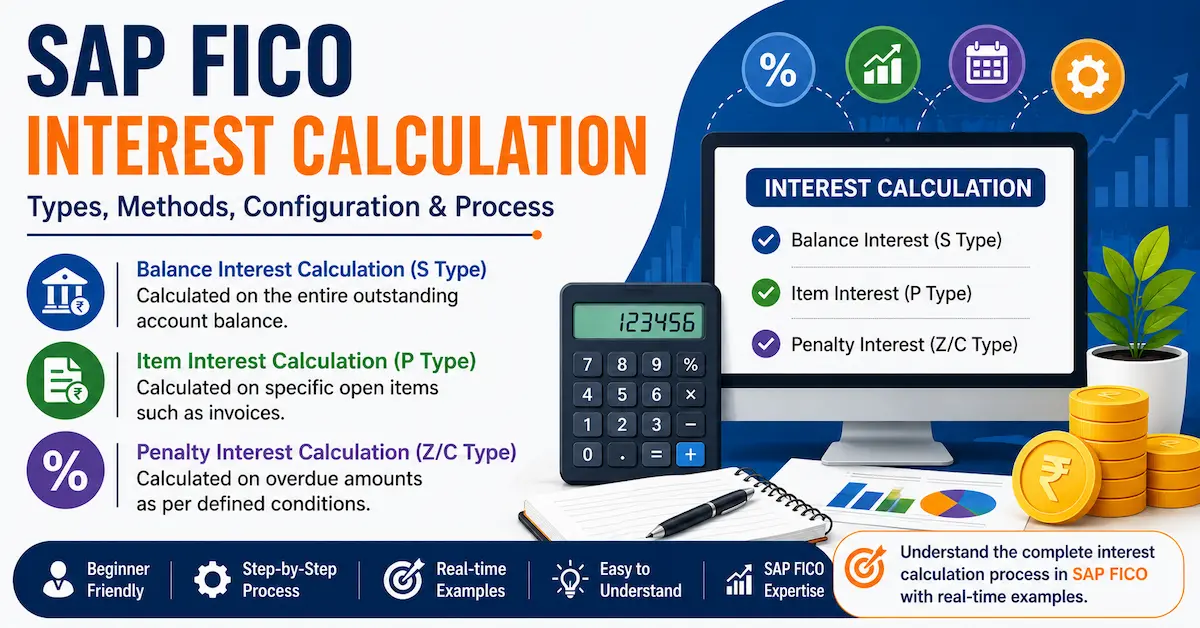
If you are learning SAP FICO, one topic that comes up in almost every real-time project is SAP FICO Interest Calculation. Whether you are working on loan account management, overdue receivables, or penalty charges, understanding how to configure interest calculation in SAP is a must-have skill for any aspiring SAP FICO consultant.
In this guide, we walk you through the complete SAP FICO interest calculation configuration — from understanding the three types to executing every transaction code step by step. This guide covers each configuration step with transaction codes, menu paths, and a practical example.
Table of Contents
- What Is Interest Calculation in SAP FICO?
- Three Types of SAP Interest Calculation
- What Is an Interest Calculation Indicator (ICI)?
- Calendar Types in SAP
- Step 1 — Define Interest Calculation Types (OB46)
- Step 2 — Prepare Account Balance Interest Calculation (OBAA)
- Balance Plus Interest — Real Example
- Step 3 — Define Reference Interest Rate (OBAC)
- Step 4 — Define Time-Dependent Terms (OB81)
- Step 5 — Enter Interest Values (OB83)
- Quick Reference: All T-Codes
- FAQs
- Conclusion
What Is Interest Calculation in SAP FICO?
In SAP Financial Accounting (FI), interest calculation is the automated process of computing interest on outstanding account balances or overdue open items. Organizations use this feature to handle loan interest, arrear charges, and penalty interest in a structured and audit-ready manner.
Instead of calculating interest manually — which is both time-consuming and error-prone — SAP allows you to configure the rules once and let the system apply them consistently across all relevant accounts. This is one of the key practical skills covered in our SAP FICO training program in Hyderabad.
Three Types of SAP FICO Interest Calculation
SAP FICO provides three distinct types of interest calculation, each designed for a specific business scenario. Understanding all three is the very first step before you begin any configuration.
| Type | Indicator | Description | Common Use Case |
|---|---|---|---|
| Account Balance Interest Calculation | S | Calculated on the entire outstanding balance in an account | Loan accounts, bank borrowings |
| Item Interest Calculation | P | Calculated on selected individual open items only | Overdue customer / vendor invoices (Arrears) |
| Penalty Interest Calculation | C / Z | Calculated on interest arrears — interest on unpaid interest | Penalty charges, late payment scenarios |
A simple way to remember this: S = Balance, P = Invoice Items, C/Z = Penalty. The type you choose directly controls how the system computes amounts during the interest run.
Furthermore, Item Interest Calculation (P type) is also known as "interest on arrears" because it applies when a customer has not paid an invoice by its due date. This is a very common requirement in accounts receivable — and a concept you will regularly encounter when working on real SAP FICO projects.
What Is an Interest Calculation Indicator (ICI)?
The Interest Calculation Indicator (ICI) is a user-defined two-digit alphanumeric code configured at the client level in SAP. It connects all your interest settings — type, frequency, calendar, and rate — into one reusable configuration object.
Every account in SAP that requires interest calculation must have an ICI assigned in its master record (master data). Without this assignment, the system will skip that account entirely during the interest run.
- ICI is a two-digit code (examples:
IN,A1,L1) - Defined at client level — available across all company codes
- Must be assigned in the customer, vendor, or G/L account master data
- Controls the calculation frequency: monthly, quarterly, half-yearly, or yearly
- Frequency code
01means every month — the most commonly used setting
IN for India-based accounts or L1 for loan accounts. Always document the naming standard before go-live.Calendar Types in SAP Interest Calculation
SAP uses calendar types to determine how many days are counted in a month and a year when computing interest. There are four system-defined calendar types available:
| Calendar Type | Days in Month | Days in Year | Remarks |
|---|---|---|---|
| B | 30 days | 360 days | Standard banking calendar |
| Z | 30 days | 365 days | Modified banking calendar |
| F | Actual days | 360 days | Used in some European countries |
| G | Actual days | 365 days | Gregorian calendar — used in India |
In India, organizations use Calendar Type G — the Gregorian calendar with actual days in each month and 365 days in a year. This aligns with RBI standards and the financial practices followed across Indian banking and corporate environments.
Step 1 — Define Interest Calculation Types (Transaction: OB46)
The first configuration step is to create your Interest Calculation Indicator and assign its calculation type (S, P, or C/Z).
Menu Path: Financial Accounting New → General Ledger Accounting New → Business Transactions → Bank Account Interest Calculation → Interest Calculation → Global Settings → Define Interest Calculation Types (OB46)
- Open transaction
OB46 - Click New Entries
- Enter your Interest Indicator code (e.g.,
IN) - Select the Interest Calculation Type: S, P, or C/Z
- Enter a description and click Save
Step 2 — Prepare Account Balance Interest Calculation (Transaction: OBAA)
After creating the ICI, you configure the frequency and calendar settings for account balance interest. This step applies specifically to S-type indicators.
Menu Path: Financial Accounting New → General Ledger Accounting New → Business Transactions → Bank Account Interest Calculation → Interest Calculation → Global Settings → Prepare Account Balance Interest Calculation (OBAA)
- Open transaction
OBAA - Click New Entries
- Enter Interest Indicator (e.g.,
IN) - Set Interest Calculation Frequency — enter
01for monthly - Select Calendar Type G (Gregorian — used in India)
- Decide whether to check Balance Plus Interest (see the real example below)
- Save the entry
Understanding Balance Plus Interest — With a Real Example
The Balance Plus Interest option in OBAA is one of the most frequently asked concepts in SAP FICO interviews. Here is a clear, number-based example that explains it in full.
Suppose your company takes a loan of ₹1,00,000 on 1st June 2026 at 10% per annum. On 15th June 2026, the company repays ₹50,000.
With Balance Plus Interest activated, the system splits the calculation into two parts:
- First 14 days (1st to 14th June): Interest calculated on the full ₹1,00,000
- Next 16 days (15th to 30th June): Interest calculated on the remaining ₹50,000 only
As a result, the interest charged is accurate and proportional — it reflects the actual balance at each point in time during the period. Without this setting, the system would compute interest on the original ₹1,00,000 for the full month, which would be unfair to the borrower.
Step 3 — Define Reference Interest Rate (Transaction: OBAC)
The Reference Interest Rate is an identifier that holds the actual percentage value of interest. Think of it as a label or variable name — the numeric rate is assigned separately in OB83. This design lets you update rates at any time without reconfiguring the entire setup.
Menu Path: Financial Accounting New → General Ledger Accounting New → Business Transactions → Bank Account Interest Calculation → Interest Calculation → Define Reference Interest Rates (OBAC)
- Open transaction
OBAC - Click New Entries
- Enter a Reference Interest Rate key (e.g.,
NI) - Enter a description and the Valid From date
- Optionally enter a financial center (branch or location code)
- Save the entry
This reference rate key will later be linked to your Time-Dependent Terms in OB81 and given a numeric value in OB83. Because these three steps are kept separate, changing the interest rate in the future requires updating only OB83 — everything else stays intact.
Step 4 — Define Time-Dependent Terms (Transaction: OB81)
Time-Dependent Terms specify how the interest rate is determined for each ICI. Crucially, SAP allows you to define separate rates for credit balances and debit balances — an important distinction when dealing with loan accounts.
The four available options are:
- Debit Interest — Balance Interest Calculation (loan account in debit)
- Credit Interest — Balance Interest Calculation (loan account in credit)
- Debit Interest — Arrears (P-type, debit items)
- Credit Interest — Arrears (P-type, credit items)
To understand why both are needed: when your company takes a loan, the loan account is credited in SAP. When you repay it, the account is debited. The system therefore needs to know which balance direction to apply interest to — and time-dependent terms define exactly that.
Menu Path: Financial Accounting New → General Ledger Accounting New → Business Transactions → Bank Account Interest Calculation → Interest Calculation → Define Time-Dependent Terms (OB81)
- Open transaction
OB81 - Click New Entries
- Enter Interest Indicator (e.g.,
IN) and Valid From date (e.g.,01.06.2026) - Enter Sequential Number 1 → Select Debit Interest — Balance Interest Calculation → Assign Reference Interest Rate (
NI) → Save - Click New Entry again → Enter Sequential Number 2 → Select Credit Interest — Balance Interest Calculation → Assign Reference Interest Rate → Save
Step 5 — Enter Interest Values (Transaction: OB83)
This is the final step — assigning the actual numeric interest rate percentage to your Reference Interest Rate key. This is the exact value the system will use when running the interest calculation program.
Menu Path: Financial Accounting New → General Ledger Accounting New → Business Transactions → Bank Account Interest Calculation → Interest Calculation → Enter Interest Values (OB83)
- Open transaction
OB83 - Click New Entries
- Enter the Reference Interest Rate key (e.g.,
NI) - Enter the Valid From date
- Enter the interest percentage (e.g.,
10.00for 10% per annum) - Save the entry
Once saved, your complete SAP FICO interest calculation configuration is ready. Since all settings are linked — OB46 → OBAA → OBAC → OB81 → OB83 — the system will now compute interest accurately for every account carrying your ICI. Moreover, future rate changes require only a new OB83 entry with an updated valid-from date.
Quick Reference: SAP FICO Interest Calculation Transaction Codes
| Step | Activity | Transaction Code |
|---|---|---|
| 1 | Define Interest Calculation Types | OB46 |
| 2 | Prepare Account Balance Interest Calculation | OBAA |
| 3 | Define Reference Interest Rates | OBAC |
| 4 | Define Time-Dependent Terms | OB81 |
| 5 | Enter Interest Values (Percentage) | OB83 |
Frequently Asked Questions on SAP FICO Interest Calculation
What is the difference between S-type and P-type interest in SAP?
S-type (Account Balance Interest Calculation) computes interest on the entire outstanding balance — typically used for loan accounts. P-type (Item Interest Calculation) computes interest on specific overdue open items such as unpaid invoices, and is used in accounts receivable and payable scenarios. P-type is also referred to as "interest on arrears."
Where do I assign the Interest Calculation Indicator in SAP?
The ICI must be assigned in the master record of the relevant account — this could be a customer master, vendor master, or G/L account master data. Without this assignment, SAP will not include that account in the interest calculation run.
Which calendar type is used for interest calculation in India?
Indian organizations use Calendar Type G, which considers the actual number of days in each month and 365 days in a year. This aligns with the Gregorian calendar and follows RBI standard financial practices.
Can I change the interest rate without reconfiguring everything?
Yes. You only need to add a new entry in transaction OB83 with the updated percentage and a new valid-from date. All accounts using the same Reference Interest Rate will automatically pick up the new rate from that date onwards. Therefore, rate changes are simple and non-disruptive.
What is Balance Plus Interest in OBAA?
When Balance Plus Interest is activated, the system calculates interest proportionally based on the actual balance at each point during the period — accounting for partial repayments made in between. Without this option, the system calculates interest on the original balance for the entire period, regardless of any partial payments.
Conclusion
SAP FICO Interest Calculation is a powerful, fully automated feature within SAP Financial Accounting. By correctly configuring the Interest Calculation Indicator, selecting the right type (S, P, or C/Z), setting calendar types, defining reference rates, creating time-dependent terms, and entering the rate values — you build a consistent and scalable interest computation engine in SAP.
Since all configuration steps are linked through the ICI, future changes to interest rates or frequencies are simple to manage without disturbing the rest of your setup. This makes the feature ideal for organizations handling large loan portfolios or high-volume accounts receivable operations.
If you want to go beyond theory and learn SAP FICO interest calculation with live system practice and real-time project scenarios, explore our SAP FICO training in Hyderabad. We also offer training in SAP MM, SAP SD, and SAP Central Finance to help you build complete SAP functional expertise.
For more real-time SAP tutorials and configuration guides, visit our SAP Blog where we regularly publish training insights and interview preparation content.