SAP GRC MSMP Workflow Configuration: A Practical Step-by-Step Guide
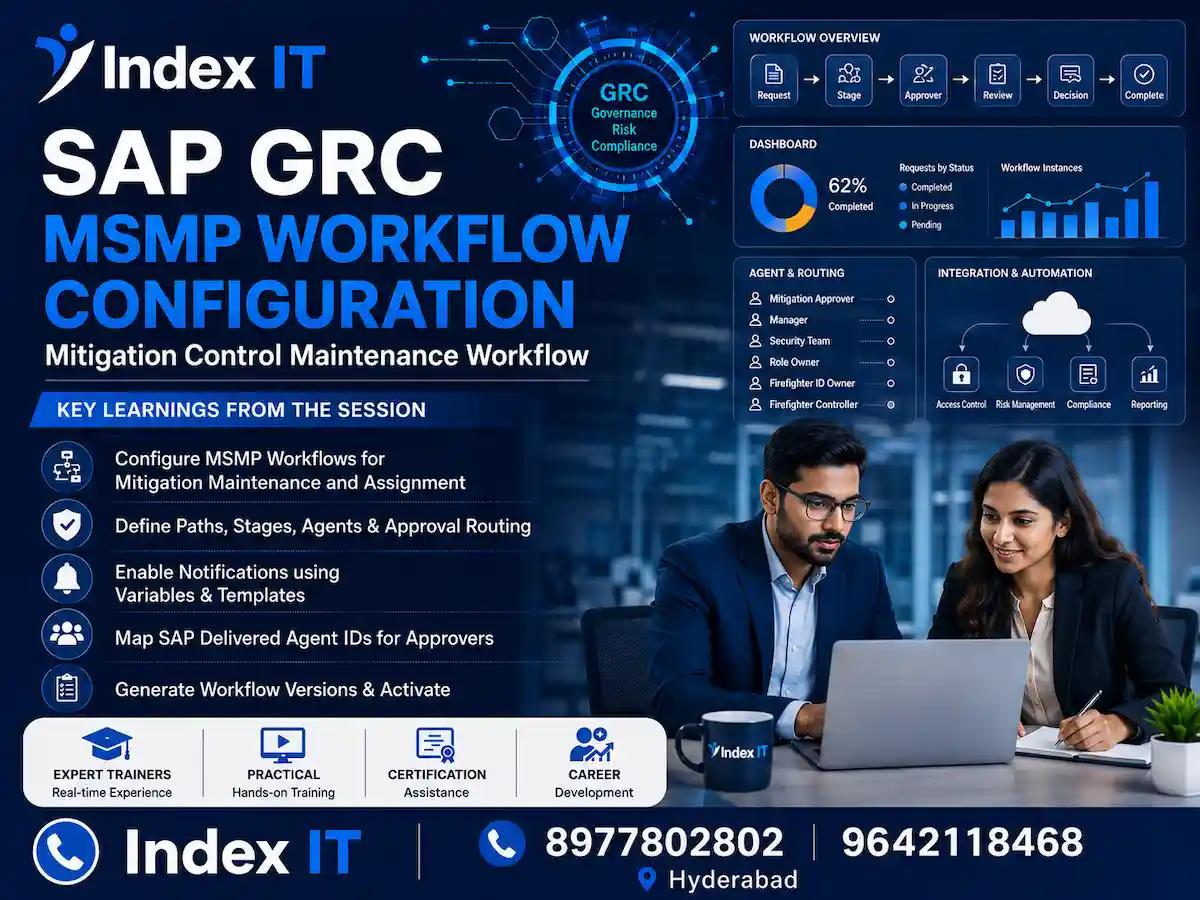
Setting up approval workflows correctly is one of the most important parts of any SAP GRC Access Control implementation. If the workflow configuration is wrong, requests get stuck, approvers never receive notifications, and audit teams start asking uncomfortable questions.
In this guide, we will walk through SAP GRC MSMP (Multi-Stage Multi-Path) workflow configuration using a real, hands-on example. We will cover mitigation control maintenance, mitigation control assignment, and function approval workflows. Additionally, we will explain how paths, stages, agents, and notifications work together to keep requests moving smoothly.
This article is based on practical training delivered by our SAP Security and GRC trainers at Index IT, where learners configure these workflows directly in a live GRC system rather than just reading theory. Whether you are a fresher preparing for your first SAP GRC project or a consultant brushing up on configuration steps, this breakdown should help you connect the dots.
By the end, you will understand the seven-step MSMP configuration process, common errors, and best practices that experienced consultants follow on real projects.
What Is MSMP Workflow in SAP GRC?
MSMP stands for Multi-Stage Multi-Path. It is the workflow engine used in SAP GRC Access Control to route approval requests, such as access requests, mitigation control assignments, and risk or function maintenance, to the right approvers.
Each MSMP workflow is built around seven configuration steps inside SPRO:
- Process Global Settings
- Maintain Rules
- Maintain Agents
- Maintain Templates and Variables
- Maintain Paths
- Maintain Route Mapping
- Generate Version
These steps are accessed through SAP IMG: Governance, Risk and Compliance > Access Control > Workflow for Access Control > Maintain MSMP Workflows. Once you log in with your ID, you select the relevant Process ID, for example mitigation control maintenance, mitigation control assignment, or function approval, and configure each step accordingly.
Configuring Paths and Stages for Mitigation Approval
The first practical step is defining a path. A path determines where a request travels once it is submitted, and a stage defines who approves it at each point along that path.
Here is the typical sequence used during configuration:
- Click Add to create a new path, for example a mitigation control path with a clear description.
- Save the changes and generate the transport request, since changes move from development to quality and then to production.
- Add a stage under the path, giving it a stage number and description such as "mitigation approval."
- Map an agent ID to the stage so the system knows who should approve the request.
For mitigation control maintenance, SAP delivers a predefined agent ID for mitigation approval. Consequently, you simply select this delivered agent rather than building one from scratch, since custom agent IDs are reserved for owners like firefighter ID owners or control owners where SAP does not provide a default.
When defining the approval type, you also choose between "anyone approval" (any one approver in the stage can approve) or "all approvers required." For most mitigation scenarios, anyone-approval with mandatory comments for both approval and rejection works well.
Maintain Agents: Routing Requests to the Right Teams
Agent IDs are central to MSMP workflow routing. An agent ID tells the system who should receive a particular request, and SAP GRC supports four agent types:
- Directly mapped users – best when only one team or person handles a specific request type.
- PFCG role-based – whoever holds a particular role in the GRC system (not the backend) becomes the approver.
- User group-based – all members of a defined user group receive the request.
- GRC API rules (BRFplus) – dynamically picks the owner based on conditions, such as routing finance-related requests to the FI security team and SD-related requests to the SD team.
In the training session, the team created a custom agent ID for the security workflow issue path. Since all ten members of the security team needed to receive escalated requests, a single PFCG role was created in the backend, mapped to all ten users, and then linked to the agent ID. As a result, any request landing on the issue path automatically reaches the entire security team.
It is worth noting that this PFCG role must exist in the GRC system itself, not the backend ECC or S/4HANA system, because GRC manages its own user master for security roles, mitigation approvers, and risk owners.
Notification Settings and Escape Paths
Notifications keep requesters and approvers informed without anyone having to manually check the system. SAP GRC delivers standard notification events, including:
- New work item (sent to the current approver when a request arrives)
- Request submitted (sent to the requester for confirmation)
- Approved or rejected (sent to the requester once a decision is made)
- Escalated (sent to the current approver if the request moves due to inactivity)
For example, when a mitigation control maintenance request is submitted, the "new work item" template notifies the approver that something is pending in their inbox. Similarly, once the request is approved or rejected, the requester receives a corresponding notification so they always know the status.
Escape paths are equally important. If an approver ID was deleted from the system, or if no approver was found for a stage, the request would otherwise sit unprocessed with a pending status and never reach anyone. To prevent this, a separate "workflow issue" path is created and mapped as the escape path. This way, any request that cannot be routed normally is automatically redirected to the security team for review.
Generating the Workflow Version
After paths, stages, agents, and notifications are configured, you must save changes at every step and finally return to step seven (Generate Version). This step performs a "save and simulate" check, highlighting any configuration errors, such as a missing agent ID in a stage.
Only after the simulation runs without errors does the system generate a new version, for example moving from version 4 to version 5. If no actual changes were made, no new version is generated, and the system displays a message stating that no changes were found. Therefore, this final step is not optional — without generating the version, none of your configuration changes take effect, and submitted requests will not trigger the new workflow at all.
Common Challenges
Configuring MSMP workflows looks straightforward on paper, but several practical issues come up regularly during implementation and support work.
- Missing agent ID errors during simulation. If a stage does not have an agent ID mapped, the simulation will fail with a "mandatory agent ID" error until it is corrected.
- Requests stuck in limbo. Without a properly configured escape path, requests with no valid approver simply remain pending indefinitely, with no clear owner.
- Confusion between GRC roles and backend roles. Since agent IDs based on PFCG roles must exist in the GRC system, teams sometimes mistakenly look for these roles in the backend ECC environment.
- Overlapping or duplicate paths. Creating multiple paths for the same scenario can cause requests to route unpredictably if route mapping is not updated correctly.
- Skipping the save step at stage seven. Any change made in steps one through six is lost if you forget to save at step seven before moving on.
Best Practices
Based on real project experience, here are practices that help keep MSMP workflows clean, auditable, and easy to maintain:
- Always use SAP-delivered standard agent IDs for mitigation, firefighter, and control owners, and reserve custom agent IDs for security or escalation teams.
- Define clear, descriptive path and stage names, for example "Mitigation Control M Path" or "Security Workflow Issue," so future administrators can understand the setup at a glance.
- Enable comments as mandatory for both approvals and rejections. This creates an audit trail that compliance and SOX teams will appreciate later.
- Always configure an escape path for every workflow. This single step prevents the most common "request is stuck and nobody knows why" support ticket.
- Use BRFplus or GRC API rules only when there is a genuine business requirement, such as routing requests based on module (FI, SD, MM, WM). For simple, single-team scenarios, directly mapped users or PFCG roles are easier to maintain.
- Test in a sandbox or development system first, generate the version, and verify the workflow with a real submitted request, such as a function ID creation, before moving to quality and production.
Why Learn This Skill?
SAP GRC Access Control configuration, especially MSMP workflows, sits at the intersection of technical configuration and business process understanding. It is one of the skills that genuinely separates a junior consultant from someone who can independently handle client requirements.
For example, when a client asks for an additional approval stage, such as adding a VP-level sign-off after the standard mitigation approver, you need to know whether to simply add a new stage or whether a BRFplus rule is required. Similarly, understanding how risk owners, function owners, and mitigation monitors interact helps you troubleshoot issues faster during go-live support.
Furthermore, GRC consultants are frequently asked to support rule book changes, including uploading and downloading SOD rule files for functions, risks, and business processes. Learning this end-to-end, from workflow configuration to rule set maintenance, gives you a much more complete picture of how SAP GRC operates in production environments.
Career Opportunities
SAP GRC and Security skills remain in steady demand across industries that run SAP, including manufacturing, pharma, retail, and banking, since every SAP landscape needs proper access governance.
Typical roles open to professionals who understand MSMP workflow configuration include:
- SAP GRC Access Control Consultant
- SAP Security Analyst
- SAP Audit and Compliance Specialist
- SOD (Segregation of Duties) Analyst
- SAP GRC Support Consultant
Companies value candidates who can confidently configure workflows, troubleshoot routing issues, and manage rule sets without constant escalation. As a result, hands-on, project-style training, like the SAP Security and GRC training offered at Index IT, gives candidates a meaningful edge during interviews and on real projects.
Frequently Asked Questions
1. What does MSMP stand for in SAP GRC?
MSMP stands for Multi-Stage Multi-Path. It is the workflow framework in SAP GRC Access Control used to route mitigation, access, risk, and function approval requests through defined paths and stages.
2. How many steps are involved in MSMP workflow configuration?
There are seven steps: Process Global Settings, Maintain Rules, Maintain Agents, Maintain Templates and Variables, Maintain Paths, Maintain Route Mapping, and Generate Version.
3. What is the difference between a path and a stage?
A path defines the overall route a request takes after submission, while a stage defines a specific approval point within that path, including who approves and what notifications are sent.
4. Why is an escape path necessary?
An escape path ensures that requests are not left unrouted when no approver is found or when auto-provisioning fails. Without it, such requests remain pending with no clear owner.
5. When do we need a BRFplus or GRC API rule?
BRFplus rules are needed when approval routing depends on dynamic conditions, such as directing requests to different teams based on module (FI, SD, MM). For simple, single-team setups, directly mapped users or PFCG roles are usually sufficient.
6. Where should PFCG roles for agent IDs be created?
They must be created in the GRC system itself, not in the backend ECC or S/4HANA system, since GRC manages its own users for security roles, approvers, and owners.
7. What happens if I forget to generate the version after configuration?
Your changes will be saved but will not take effect. Requests will continue to use the previous workflow version until a new version is generated successfully.
8. Is prior SAP knowledge required to learn MSMP workflow configuration?
Basic familiarity with SAP navigation helps, but it is not mandatory. Structured SAP Security GRC training covers the fundamentals before moving into hands-on workflow configuration.
Conclusion
MSMP workflow configuration is one of the foundational skills every SAP GRC consultant needs to master. From defining paths and stages to mapping agent IDs and setting up notifications, each step plays a role in making sure access requests, mitigation approvals, and function changes reach the right people without delays or gaps.
In short, getting the seven-step process right, paying attention to escape paths, and understanding when BRFplus rules are genuinely needed will save you considerable troubleshooting time on live projects.
If you are looking to build this expertise hands-on, with real GRC system access and guidance from experienced trainers, Index IT’s SAP Security and GRC Training in Hyderabad covers MSMP workflow configuration along with rule book maintenance, risk analysis, and SOD remediation. You can also explore Our Related guide on GRC ARA configuration to understand how access risk analysis ties into the workflows discussed here. Feel free to reach out to Index IT for a free demo session and see how our project-based training approach can help you build real, job-ready SAP GRC skills.